JSON Formatter
Beautify, minify, validate, sort, escape, and inspect JSON.
Format JSON, compare API responses, validate schemas, decode JWTs, and run everyday utilities locally in your browser.
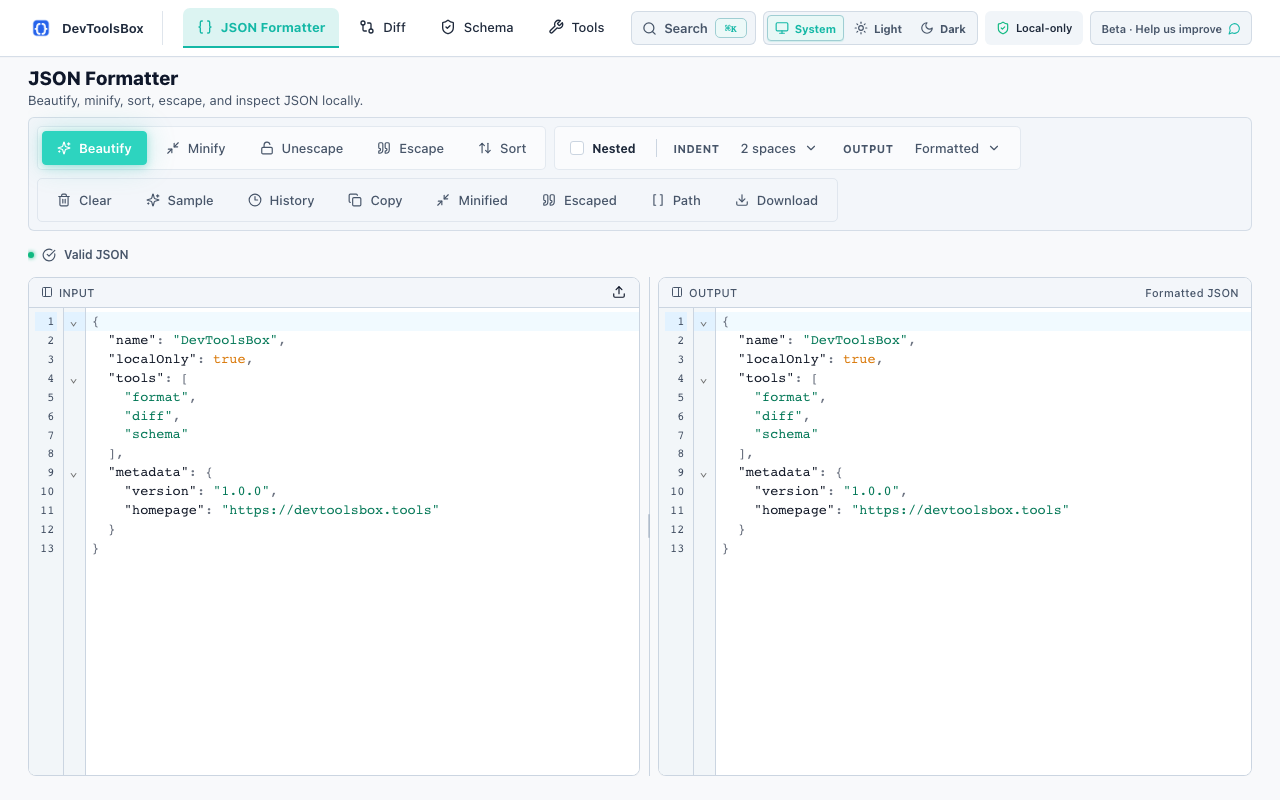
RavionX Tools brings common developer utilities together with a premium, local-first workflow.
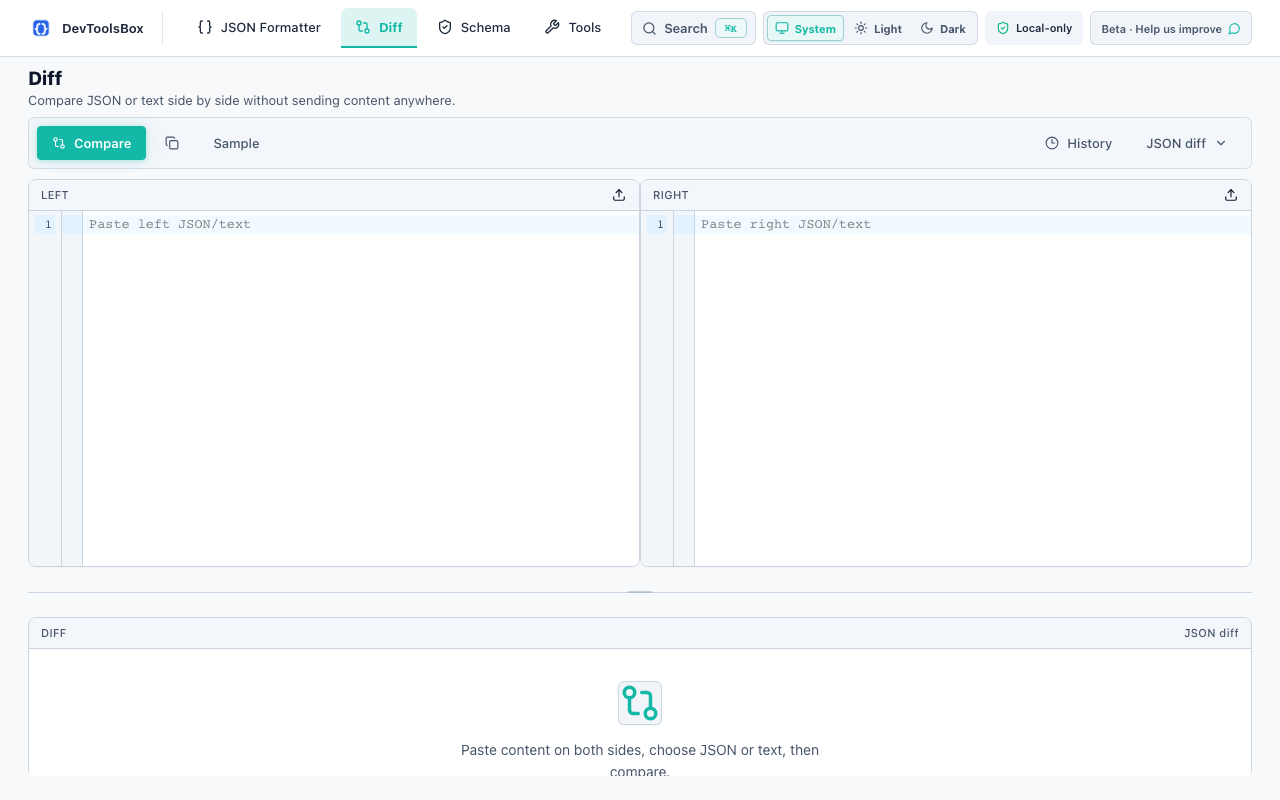
Each tool can become its own SEO page later, with the working utility embedded directly on the page.
Beautify, minify, validate, sort, escape, and inspect JSON.
Compare two payloads with JSON-aware results and summaries.
Validate common JSON Schema rules locally in the browser.
Decode header and payload with visible signature warnings.
Encode and decode everyday strings without leaving the page.
Convert Unix timestamps and human-readable dates quickly.
Generate UUIDs for testing and development workflows.
Create common hashes for quick verification and debugging.
Use essential developer tools directly in your browser. No signup, no upload, local-only.
Every tool runs locally in a fast, keyboard-first interface — here is exactly what you get.
Beautify, minify, sort, escape, validate, and inspect JSON locally.
Compare payloads with readable, JSON-aware change summaries.
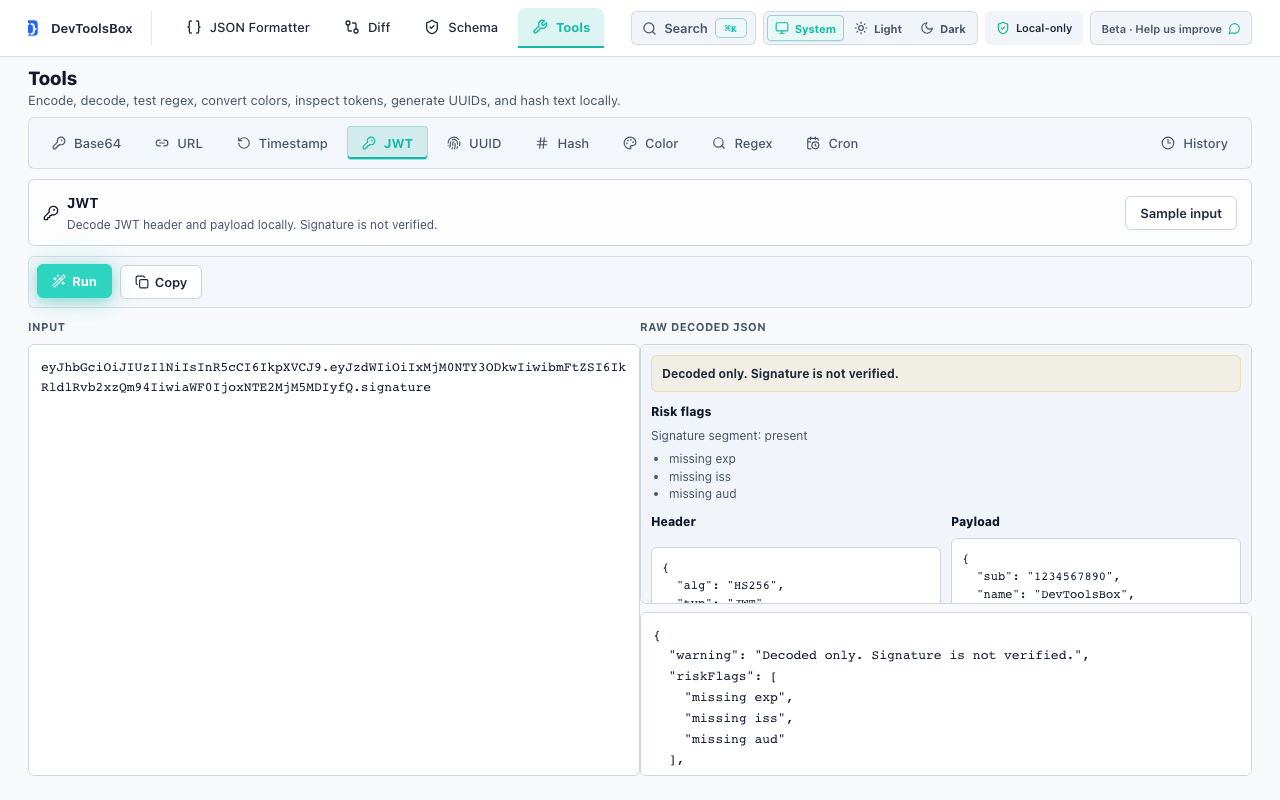
JWT, Base64, URL, UUID, hashing, cron, color, and more.
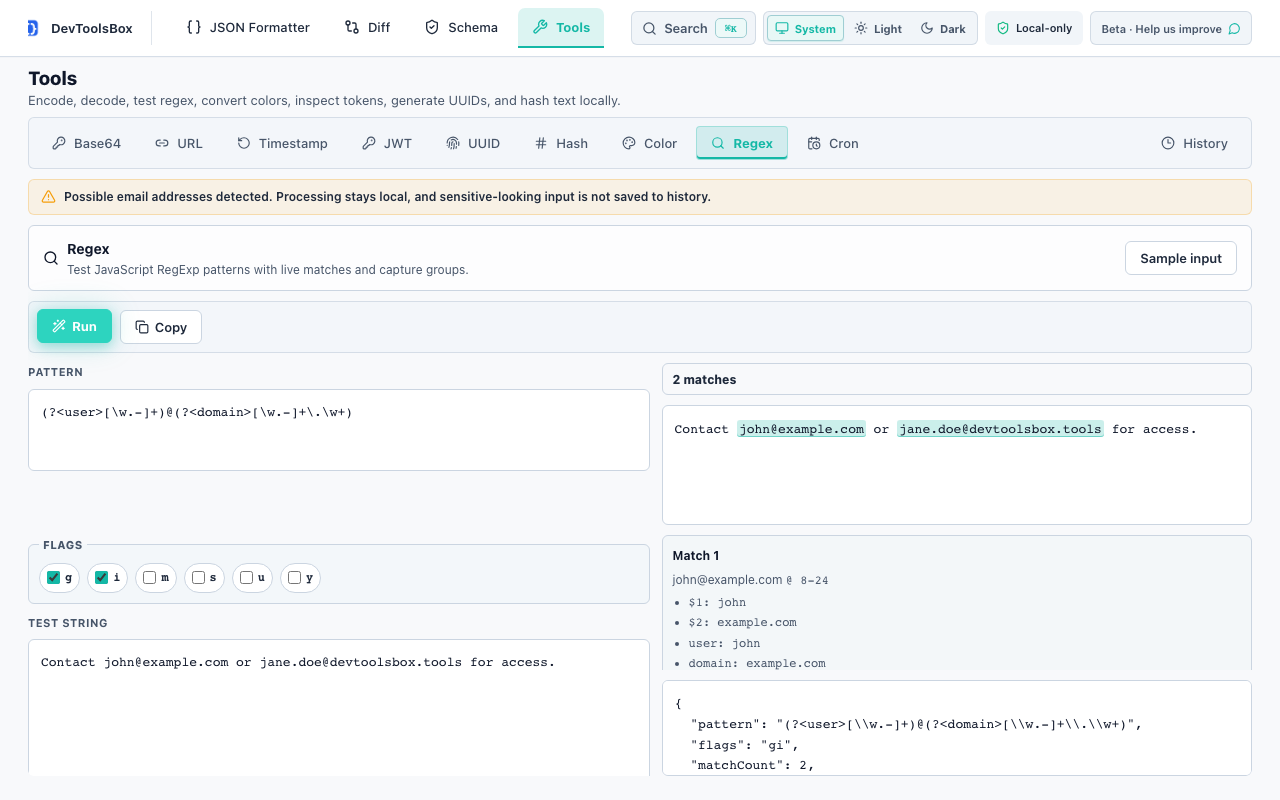
Test patterns live with match highlighting and capture groups.

RavionX Tools is built with privacy by design. We do not collect, store, or transmit your developer data. Everything runs locally in your browser.
Read the privacy policyData never leaves your device.
No payload analytics or hidden collection.
Use core tools without sign-up.
Optional history stays in browser storage.
No. RavionX Tools processes payloads locally in your browser and does not upload, store, sell, or track your JSON, JWTs, schemas, API responses, logs, or text inputs.
Chrome is the first release. The roadmap includes web tools, Edge, Firefox, Safari, VS Code, CLI, and team features.
Yes. The website is designed to become a working tool platform with dedicated pages for each utility.
Install RavionX Tools free and help shape the next month of local-first developer workflows.